

Platform
One platform for patching, posture, governance and real-time operations
Patchblox works with Intune, Azure Update Manager and Configuration Manager, and fully manages endpoints standalone. Every capability on this page is included in both Private Hosted and Patchblox Cloud.
Updates that ship like software releases
- Rings with health gates
- 600+ third-party Windows apps
- Automatic stop on failure
Exposure you can rank. Compliance you can prove.
- Exposure ranked with CISA KEV and EPSS
- Industry Standard, DISA STIG and Microsoft SCT baselines
- Expected against actual on every device
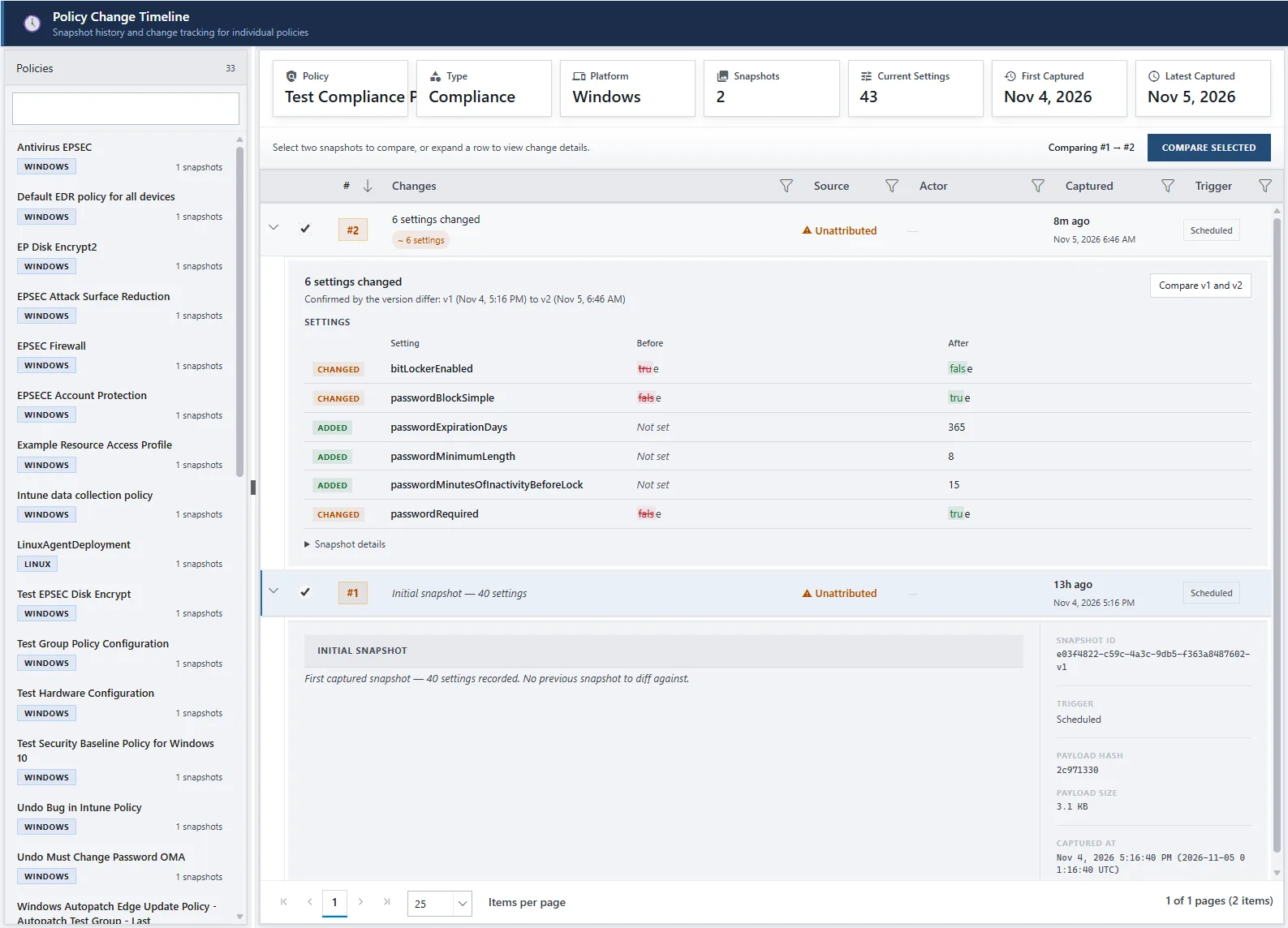
See what changed in Intune, not just what's configured
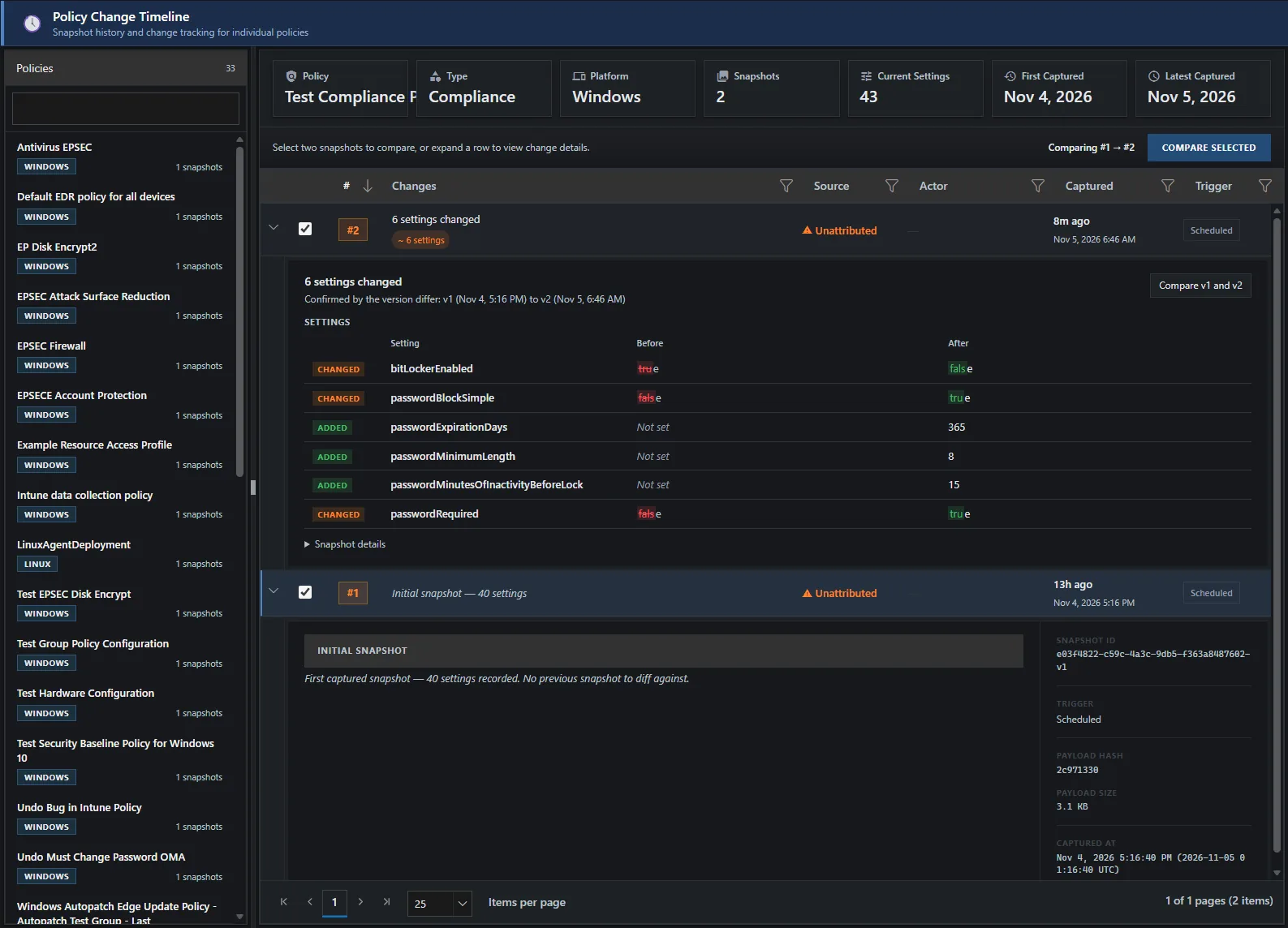
- Policy version history with diff
- Drift from your approved version
- Restore under your own sign-in
See a device as it is now, and act on it
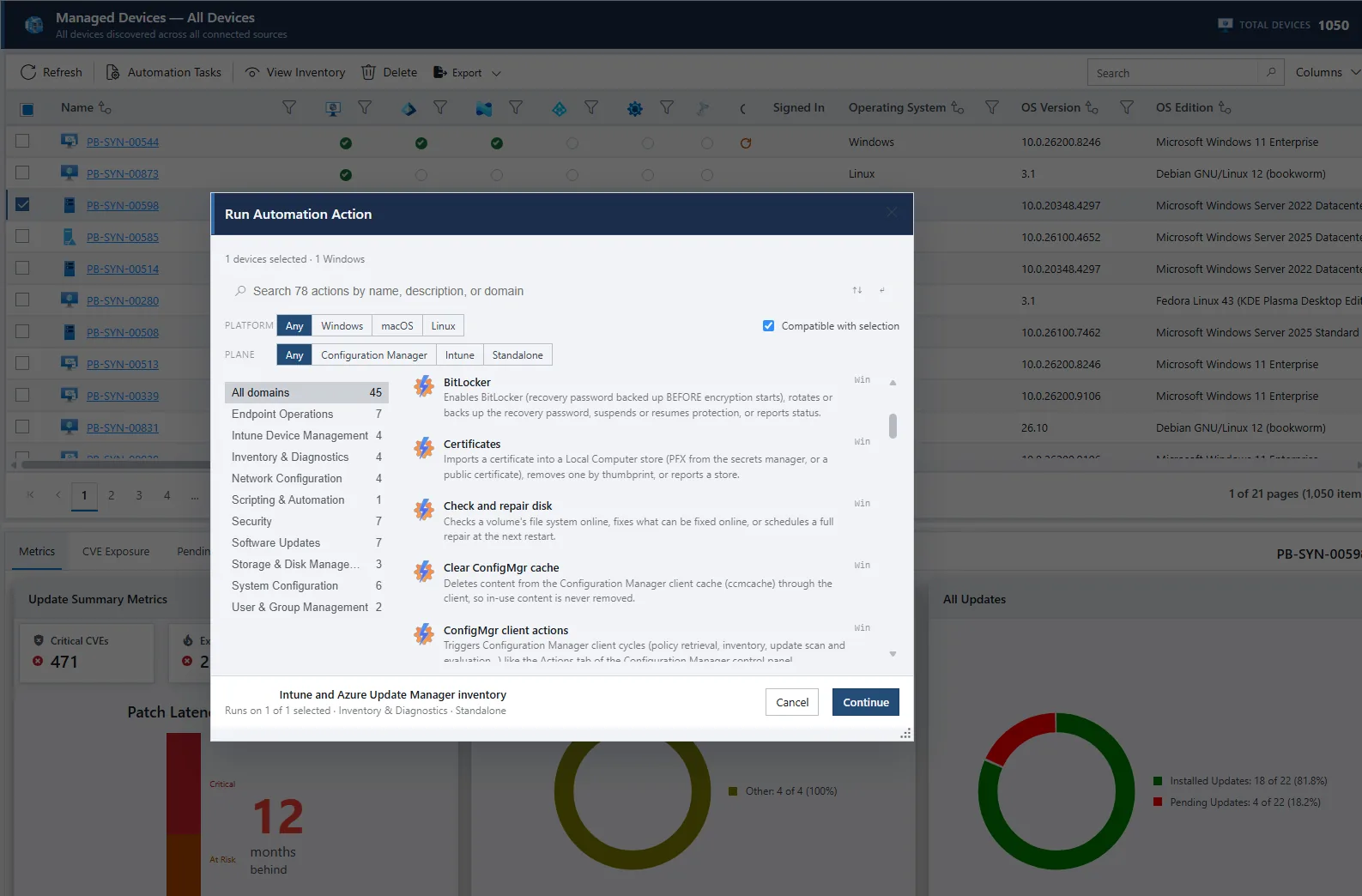
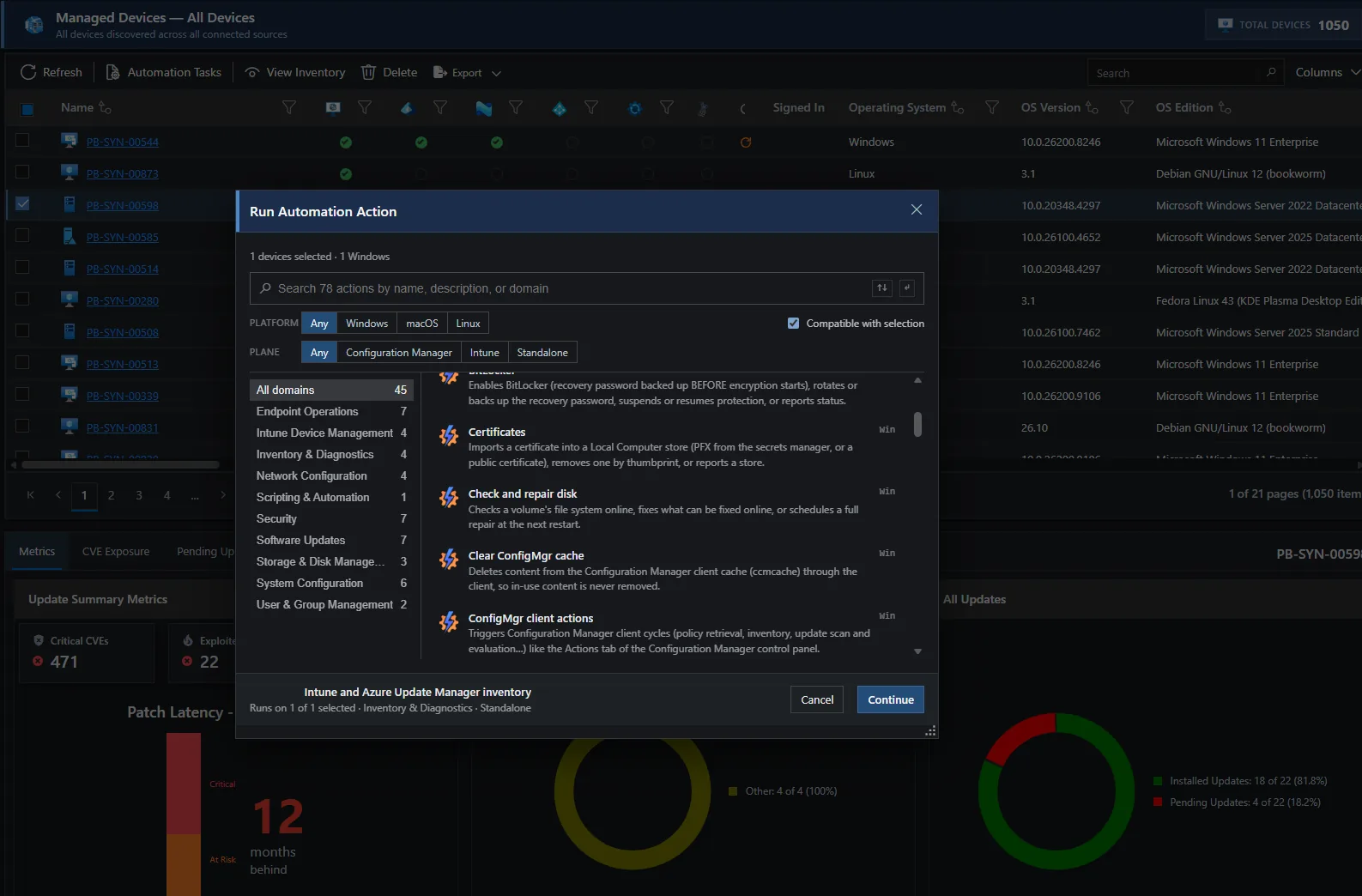
- Hundreds of built-in actions
- Fresh inventory in under a minute
- No inbound ports
If Patchblox collects it, you can report on it
- 500+ data views
- Dashboards, tabular reports and change timelines
- A read-only MCP server
Patch and release management
Updates that ship like software releases
Approve a product once and every new release moves through your rings. Promotion depends on what happened on the devices; a schedule only decides when, so you can test all week and deploy on Saturday.
- Rings with gates. Boot verification, event log analysis and health signals you define decide whether a ring advances, right away or at a time you schedule, and any ring can require a manual approval.
- An automatic stop when failures cross the threshold you set, with the devices that got the update flagged, and rollback when you choose.
- Planning mode shows which devices would get what, before anything runs.
- Signed pre- and post-install scripts.
- Test-ring coverage gaps show what production runs that your test ring never exercised.
- Update sources: Microsoft updates; 600+ curated third-party Windows apps, signed content only and verified at download and again at install; Linux packages from each distribution's own repositories; 125+ signed and notarized macOS apps, published to Intune to install.
- Approved productsNew releases enter on their ownCGoogle ChromeAAcrobat Reader7z7-Zip
- Test ring24 devices, goes first24 of 24 healthy
- Gate BootLogsHealth98% Passed
- Ring 1180 devices, early adopters112 of 180 installedCGoogle Chrome 142.0.7444.59
- Gate BootLogsHealth98% Opens when Ring 1 passes
- Ring 21,250 devices, broad deploymentWaiting
- Gate + approval BootLogsHealth98%Owner Owner approves
- Production4,300 devices, servers and desktopsScheduled: Saturday, 2:00 AM
Vulnerability and security posture
Exposure you can rank. Compliance you can prove.
Know which devices are exposed to what, and prove configuration state with values read from the device itself.
- Vulnerability Hub: CVEs per device and per app, with severity, known exploitation from CISA KEV, EPSS scores and the fix that closes them.
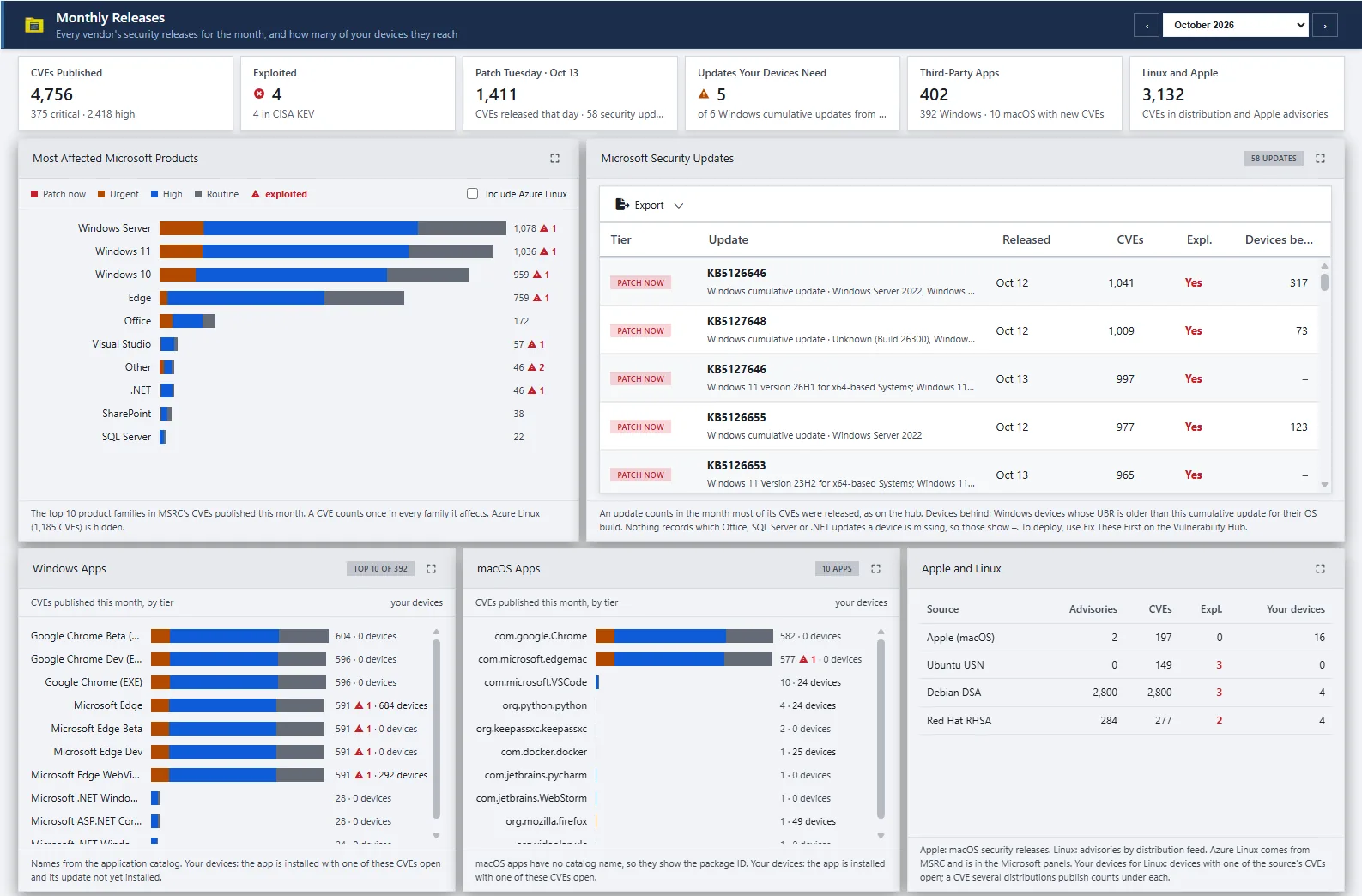
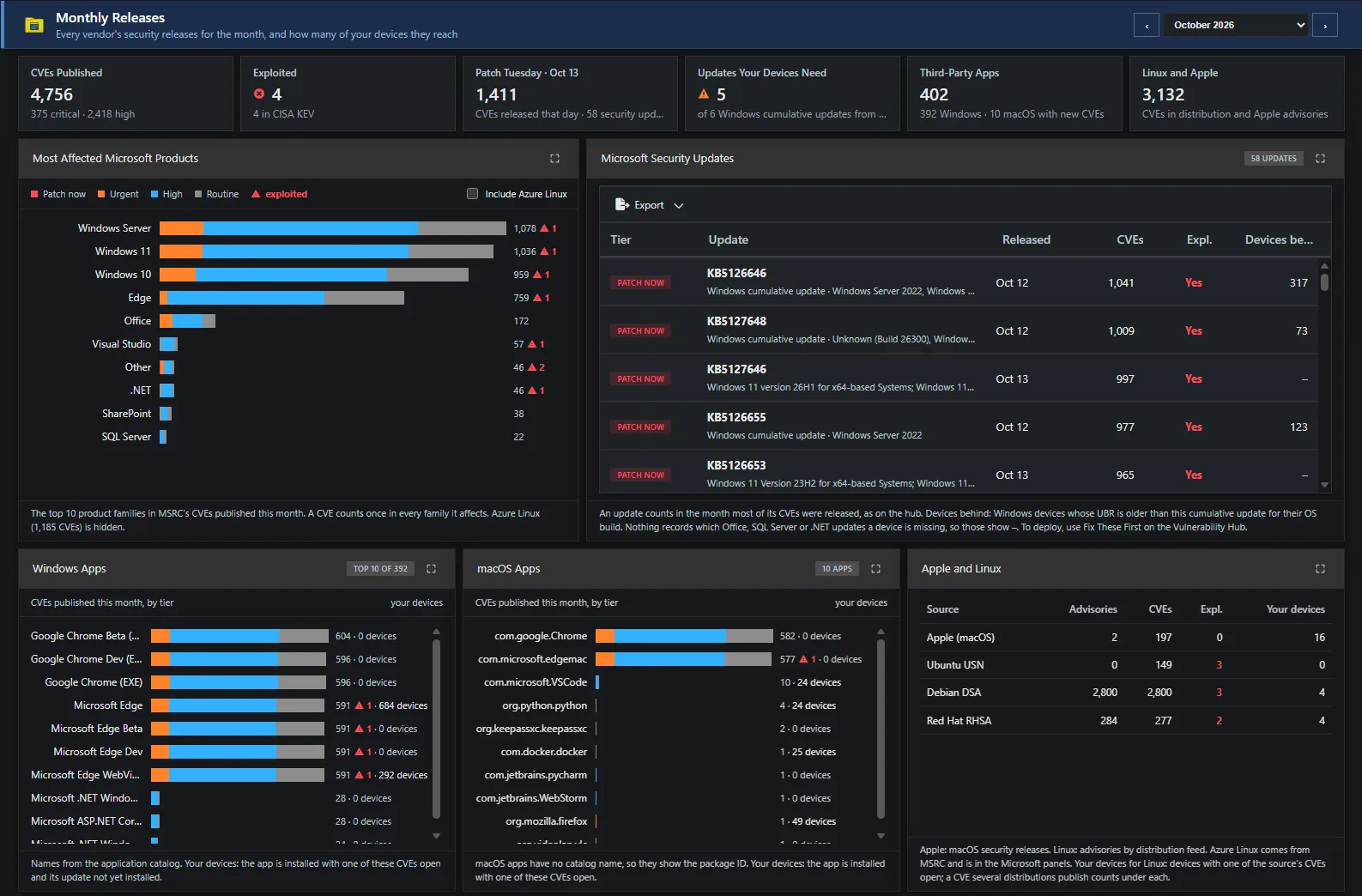
- Monthly Releases: what Microsoft, Apple and the Linux distributions shipped this month, ranked the way Patch Radar ranks it.
- Microsoft 365 Apps, Edge and Teams versions checked against their CVEs.
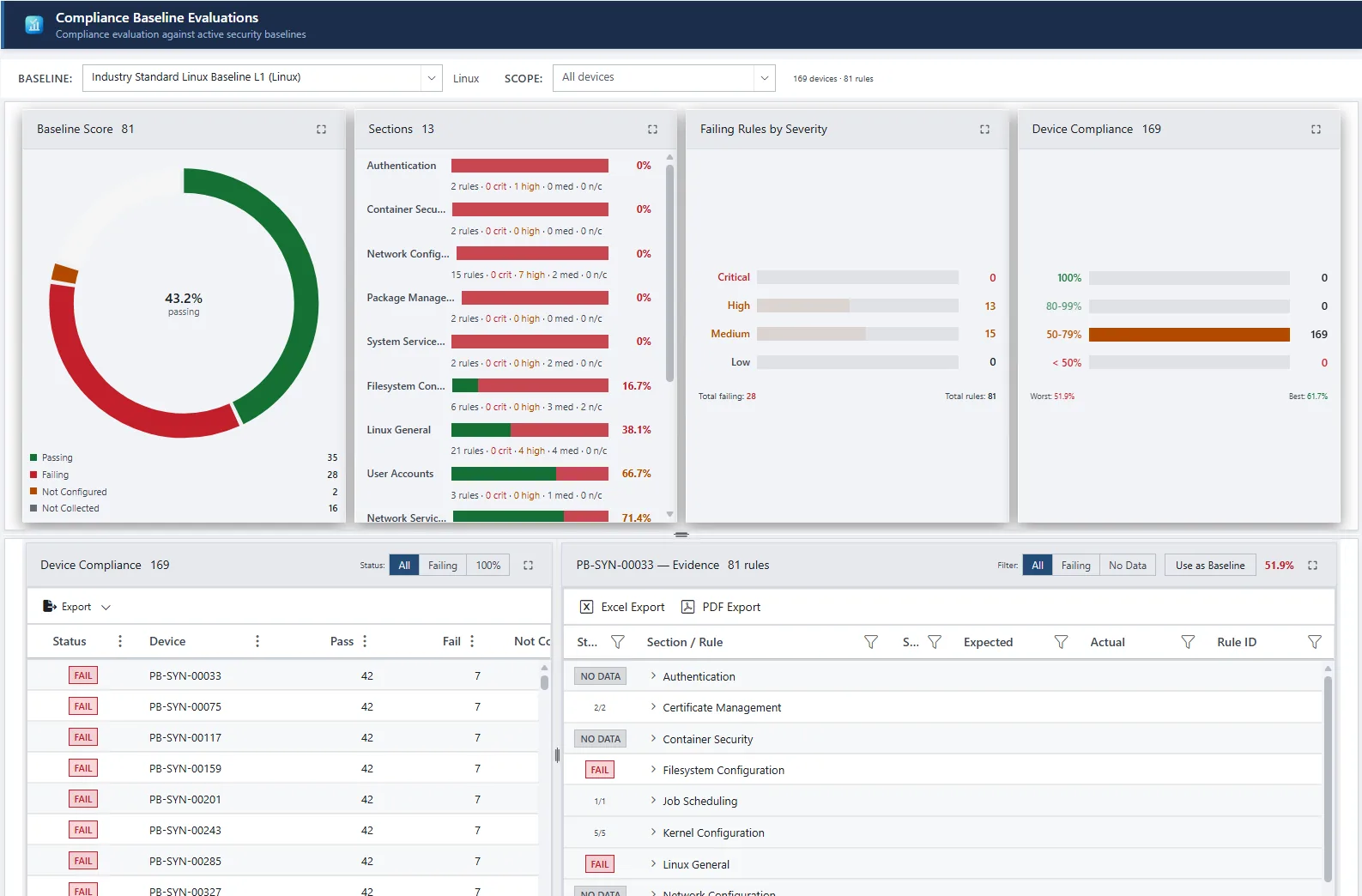
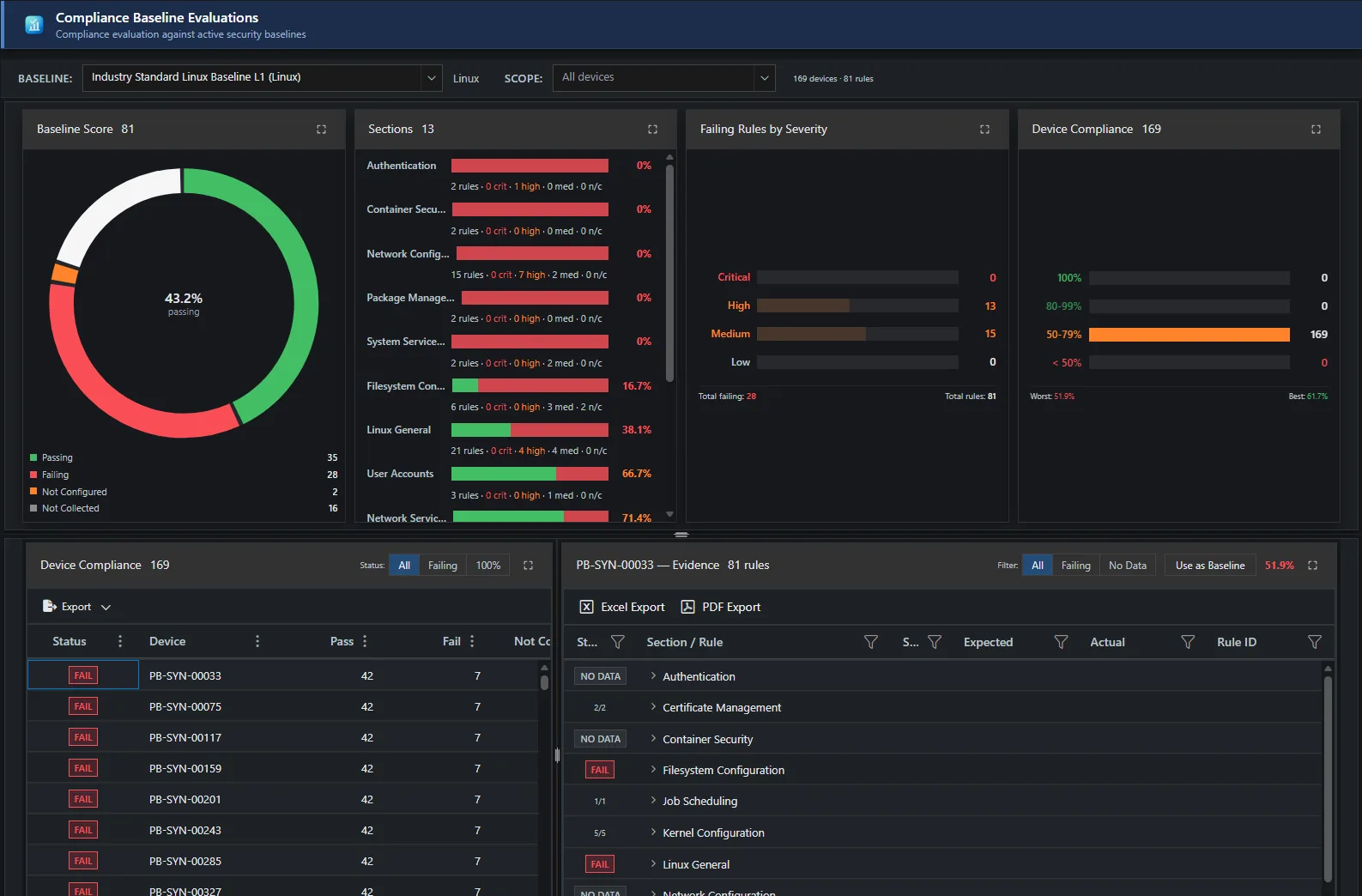
- Baselines: Industry Standard and DISA STIG for Windows, macOS and Linux, Microsoft SCT for Windows, and your own. Snapshot a well-configured device to make a gold standard.
- Evidence: expected against actual for every rule on every device, exportable to Excel, CSV and PDF.
Vulnerability data from MSRC, NVD, Linux distribution advisories, CISA KEV and FIRST EPSS.
Intune and Microsoft governance
Intune shows what's configured. Patchblox shows what changed.
Keep the history, see the drift, and put it back when you need to.
- Policy version history with side-by-side diff, including linked script changes the Intune audit log doesn't show.
- Drift from the version you approved, across settings and assignments.
- Restore any version with your own delegated Intune sign-in. Patchblox holds no standing write access.
- Compliance trending over 30, 90, 180 and 365 days, and device-to-device comparison.
- Multiple Intune and Azure tenants in one console.
- Azure Update Manager: update compliance for Azure and Arc-enabled machines, with pre- and post-scripts that need no Event Grid or Azure Functions.
- Configuration Manager: collections, client health and scan state alongside everything else.
Real-time operations and device intelligence
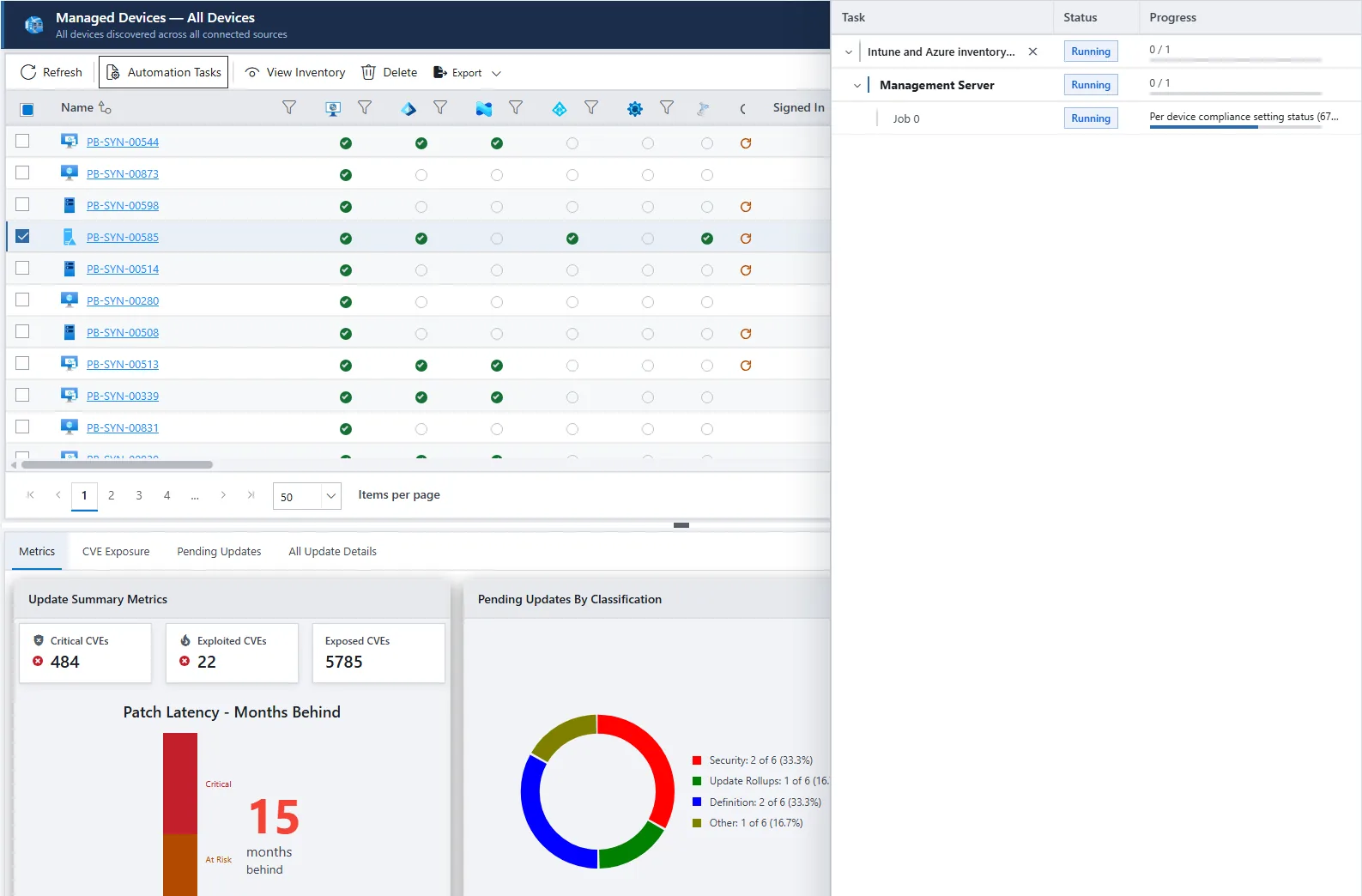
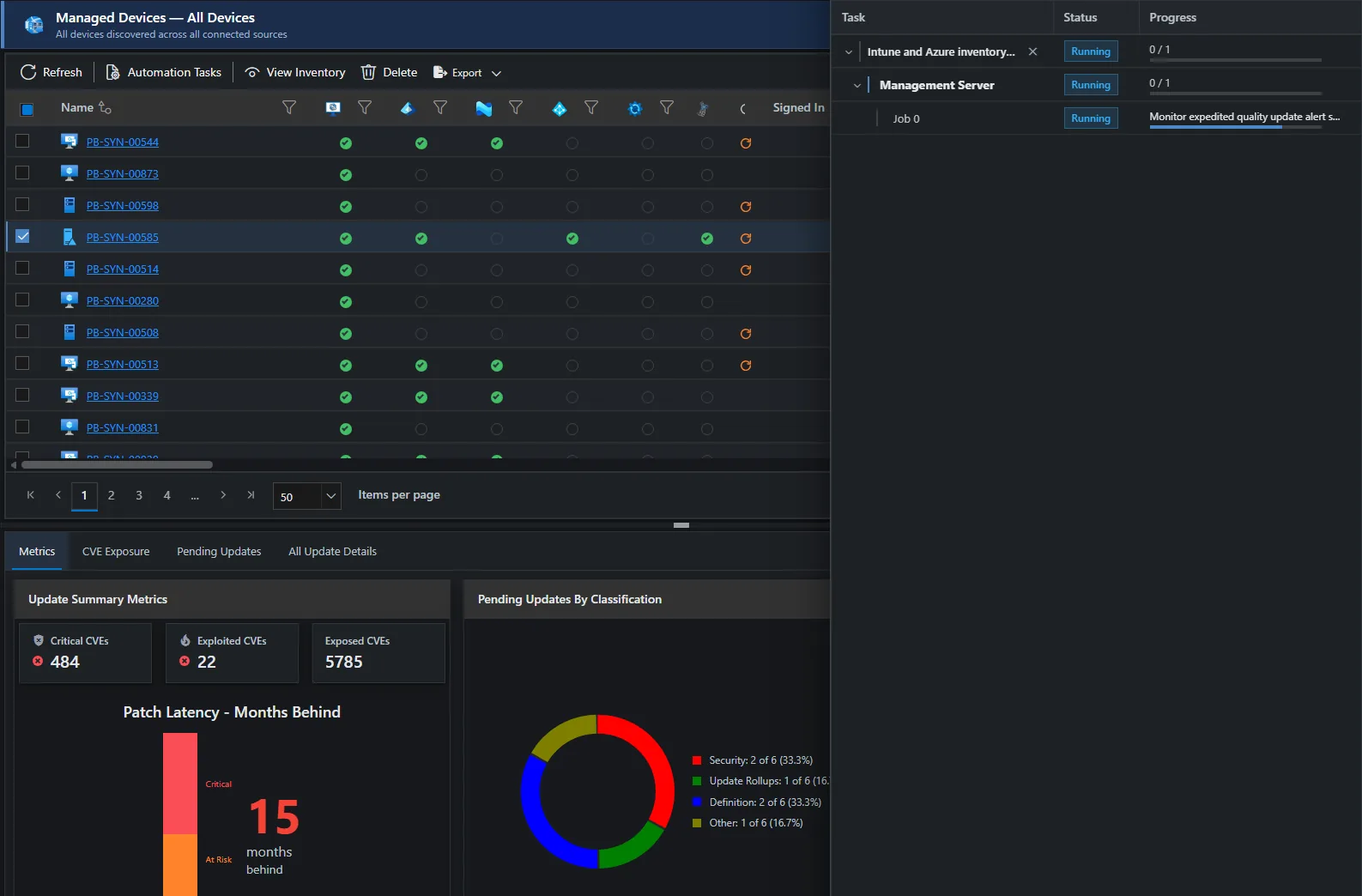
See a device as it is now, and act on it
Results stream back while the work is happening, not in a status column tomorrow.
- Outbound connection from the agent to your gateway. No inbound ports, WMI, SMB or remote registry.
- Hundreds of built-in actions for Windows and Linux, and signed scripts on all three platforms, run now or on a schedule with live per-device progress.
- Quick inventory: fresh data from a device in under a minute.
- Secrets encrypted to each target device and never written to disk.
- Changes in Intune and Azure, such as checking Azure machines for updates and publishing the agent to Intune, run with the signed-in admin's delegated permission.
- Permissions per task type, so someone can reboot servers without being able to run scripts.
- Resource Explorer: 18 categories of live data per device, from processes and network connections to firewall rules, certificates and the registry.
Data and reporting
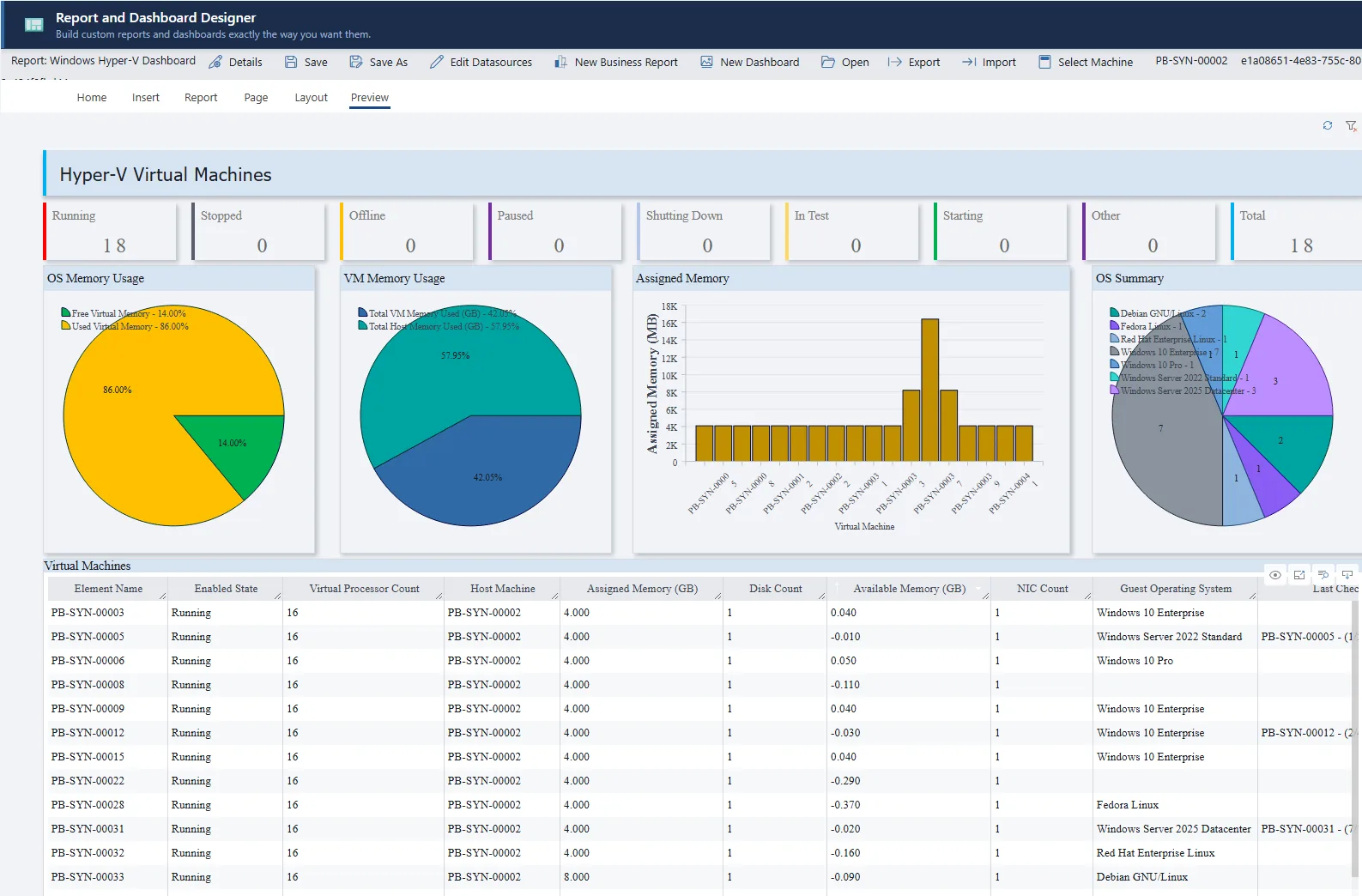
If Patchblox collects it, you can report on it
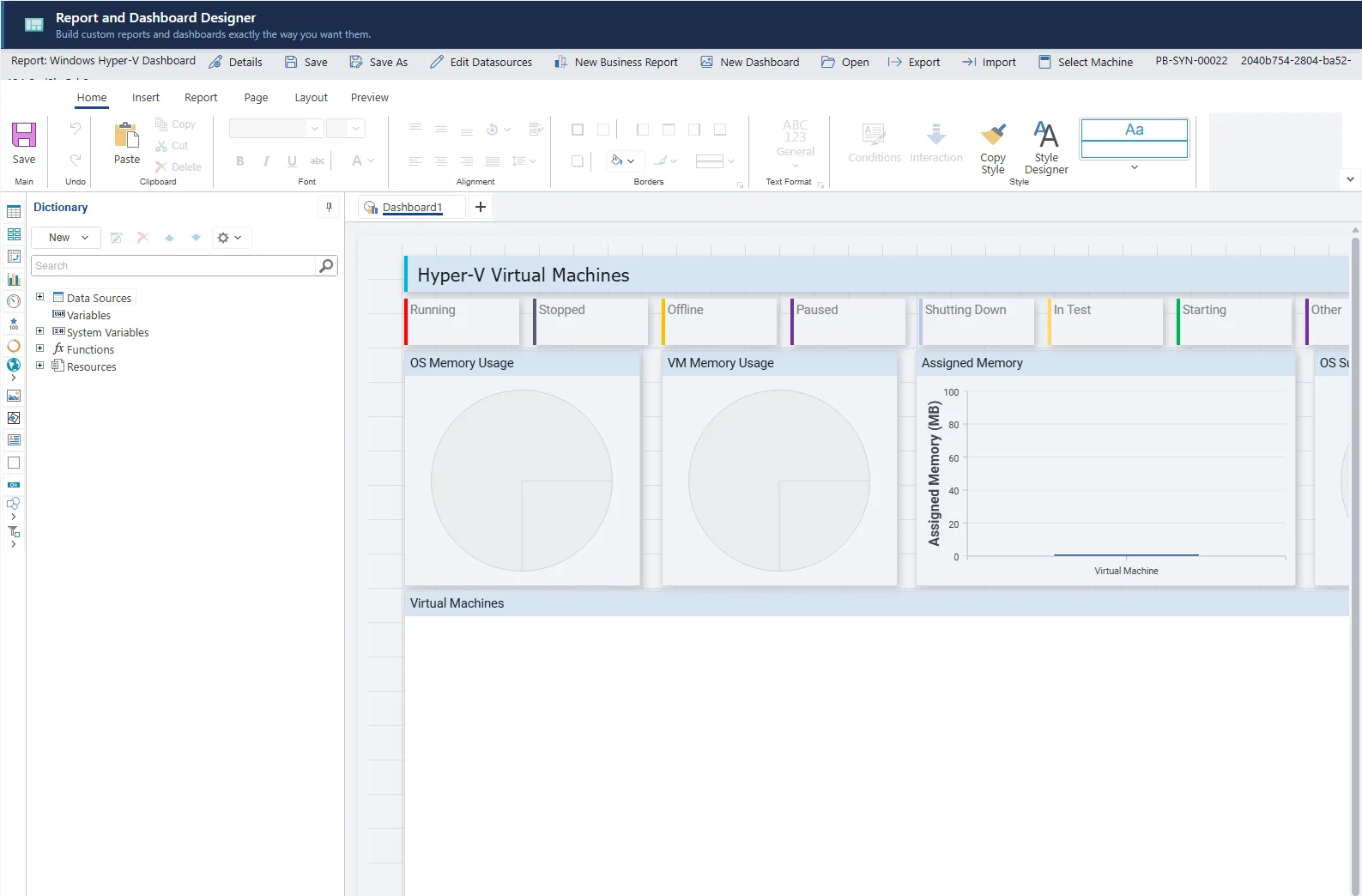
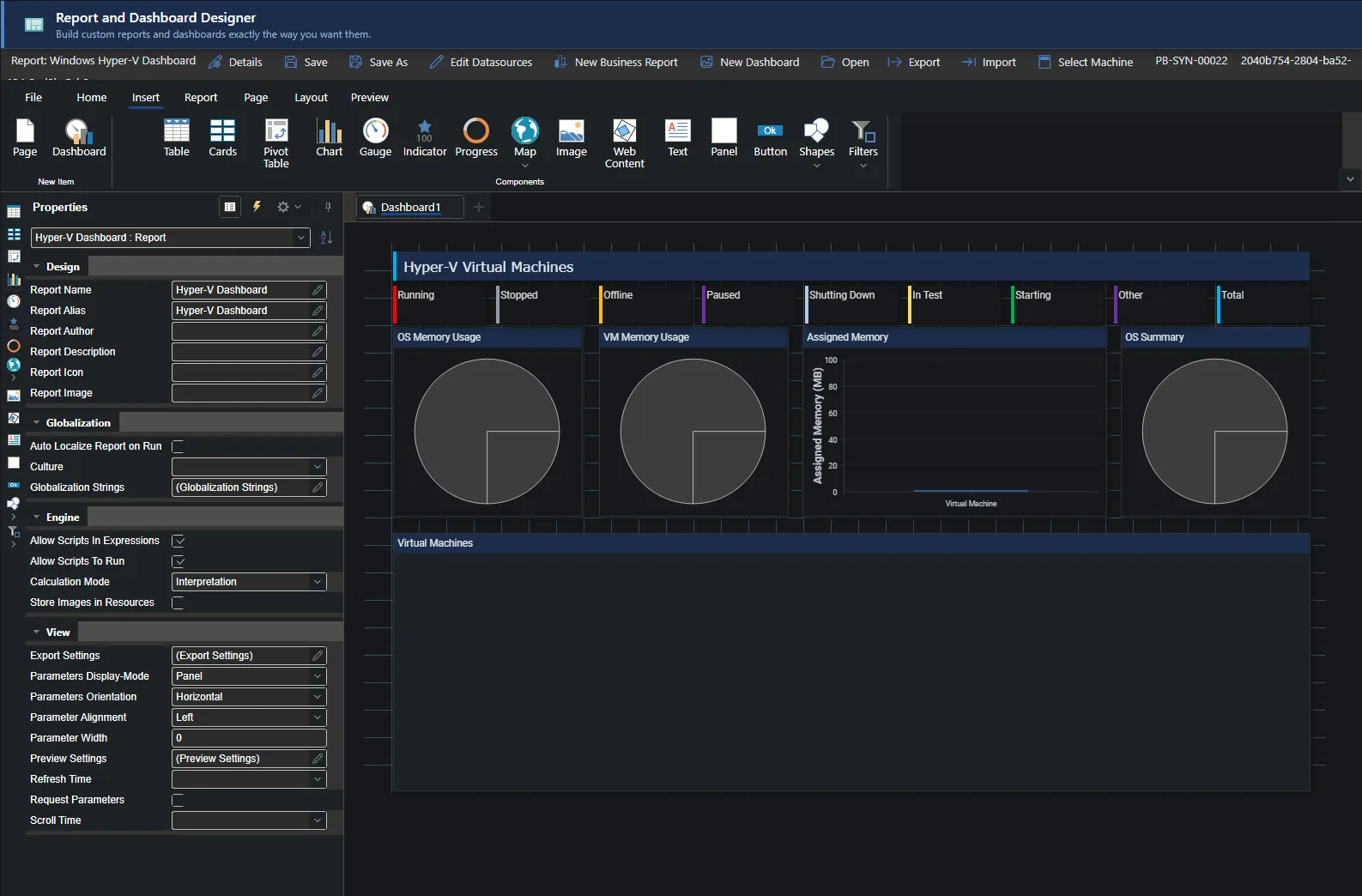
- 500+ data views across Windows, Linux and macOS.
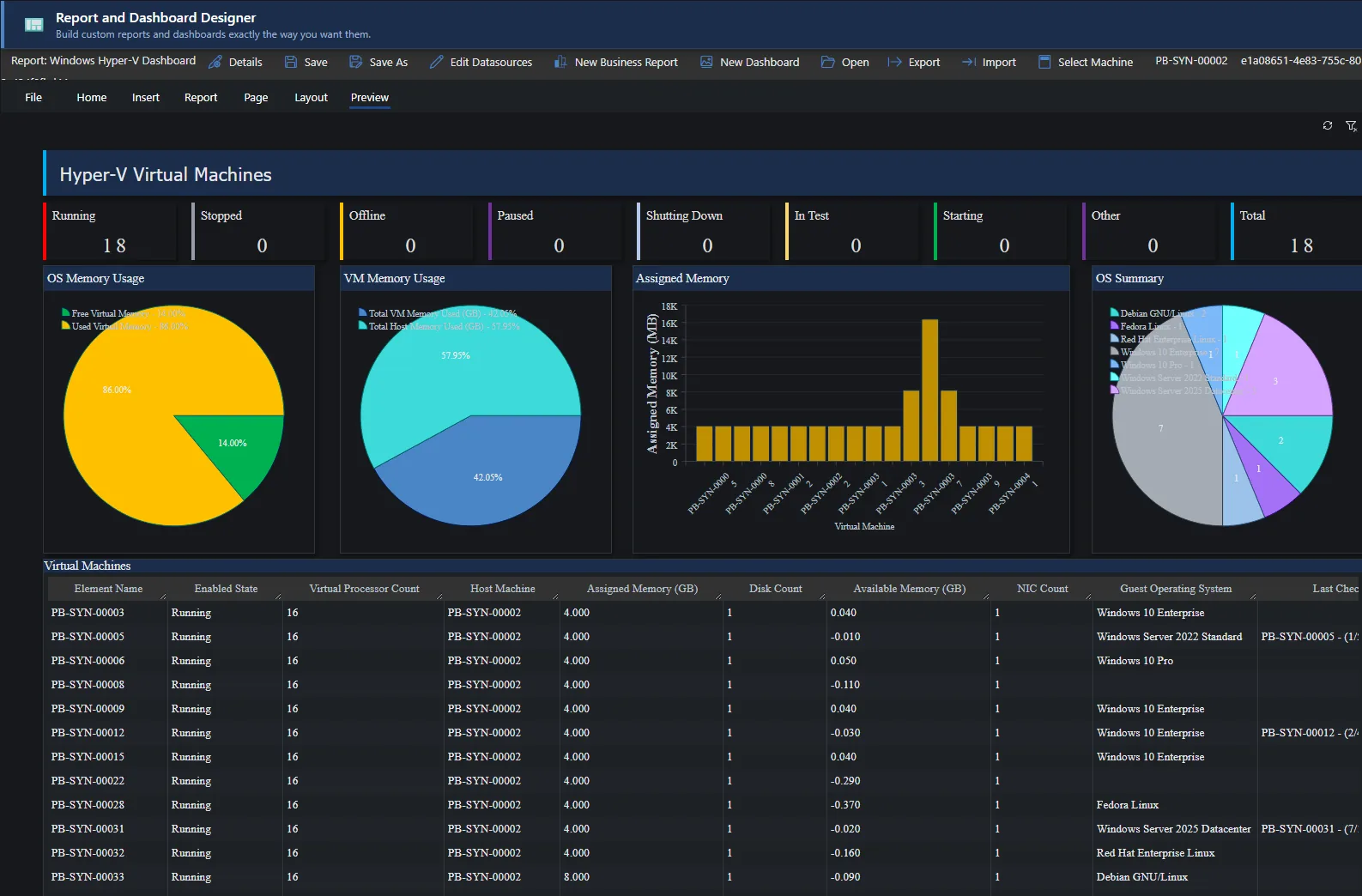
- Three designers: dashboards, tabular reports with a Visual Query Builder and SQL editor, and change timelines.
- Export to Excel, CSV and PDF.
- API access with service identities, and a read-only MCP server for AI tools you run yourself.
How Patchblox fits together
Every connection is made outward, by the component that needs it.
How Patchblox protects all of thisSee the platform with an engineer
We'll walk through the parts that matter to your environment.